
MANUFACTURING / WORK INTELLIGENCE
Image libraryPracticeEON AI Ventures ↗
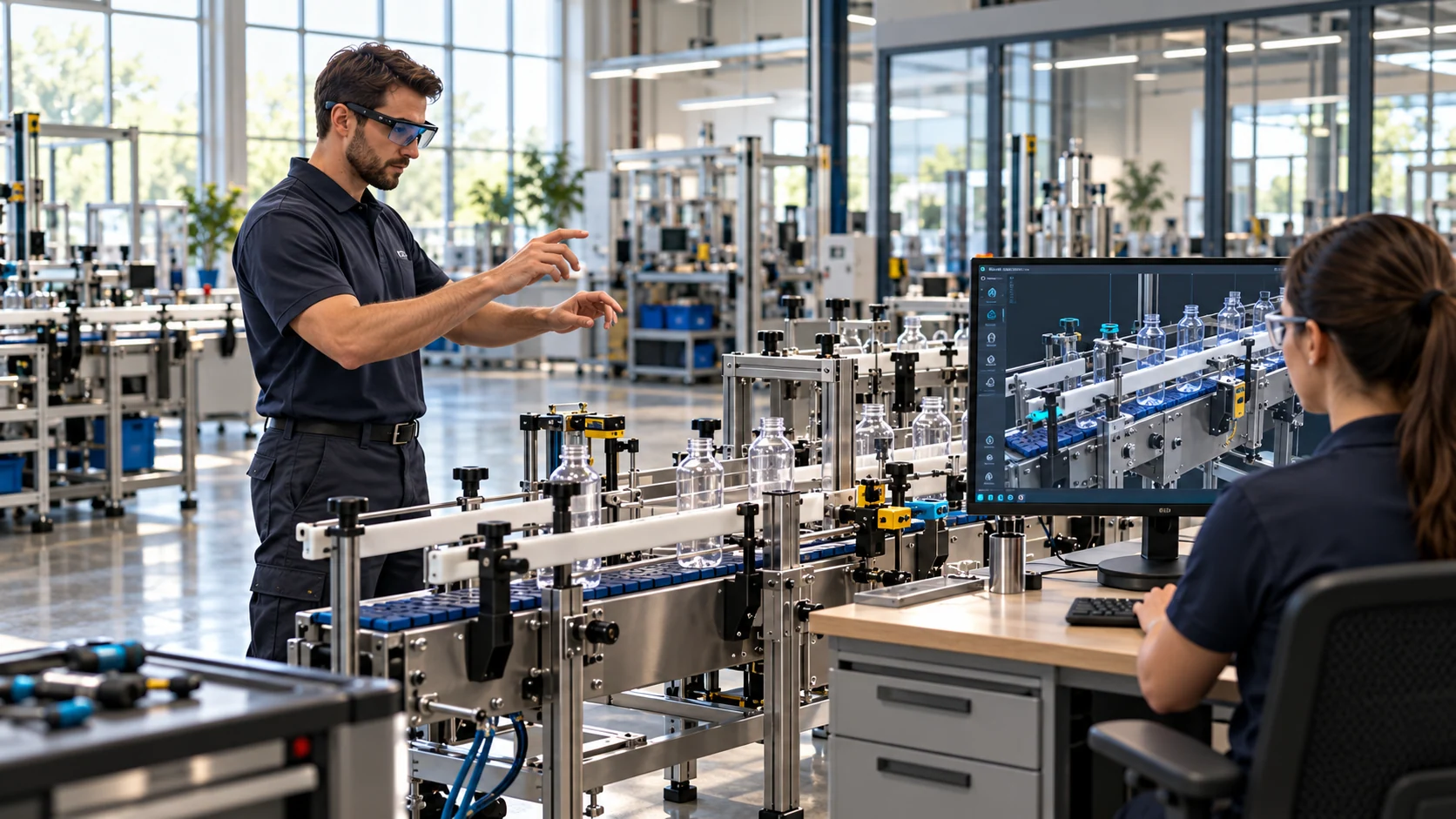
A technician rehearses beside a training station while a colleague views the digital model.
Home / Demo

The Manufacturing demonstration

One conveyor.
One changeover.
A useful decision.

Explore one inert conveyor changeover, from source-led rehearsal to supervised task guidance and reviewed learning. Start with the equipment, then examine what a bounded demonstration needs to establish.

Genesis / Rehearse and assess the decision.
Field-IQ / Guide and capture the real task.
Original training conceptOne asset · two formats
No production connection
FORMAT AExplore the equipment used in this proposed workflow.

Interactive illustration, not native EON software or an accepted machine model. The belt remains stopped; moving guides explain the concept.

MFG-CV01 / original training concept

Same rig.
Different format.

Switch A to B to see guide movement. Highlight the format block, then inspect the adjustment handwheel. The learner’s key decision is to reject an obsolete lookalike block before installation.

These identifiers belong to this original training concept. Real geometry, source revisions and checks must come from permitted, approved inputs.

What this proves now: the website interaction, proposed equipment identity and narrative continuity. It does not prove native recognition, product assessment, safe physical execution or customer outcomes.

One task. Two products.

Prepare it.
Then perform it.

Rehearse the changeover with Genesis. Support the supervised task with Field-IQ. Keep the source, the decision and the evidence connected through human review.

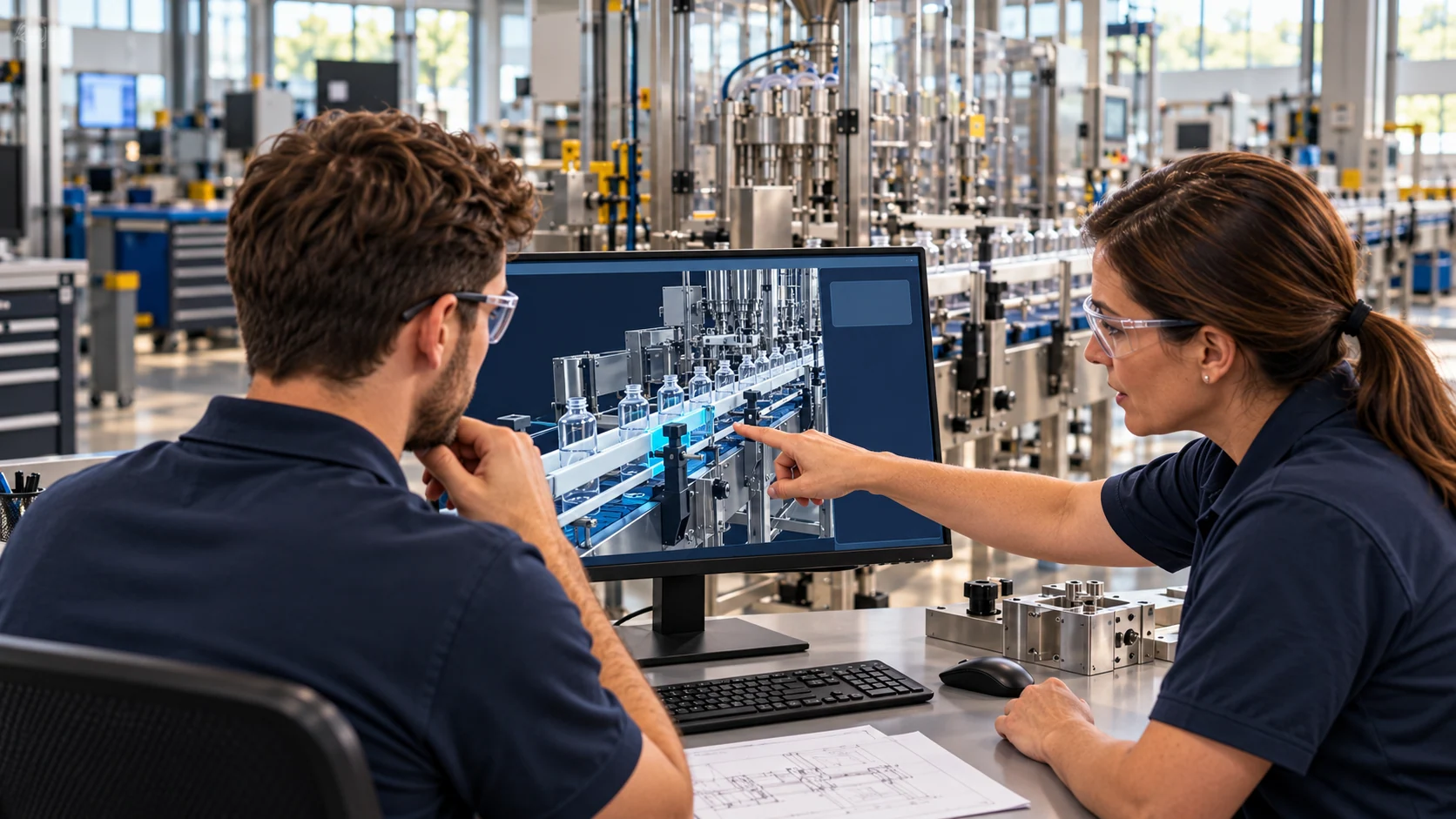
An engineer and instructor review a digital conveyor model at a workstation.

01 / Rehearse with Genesis

Prepare the changeover
before the line stops.

Review the equipment and approved procedure. Practise guide movement, check the part revision and recover from an obsolete lookalike choice before an assessor reviews the attempt.

Explore changeover readiness
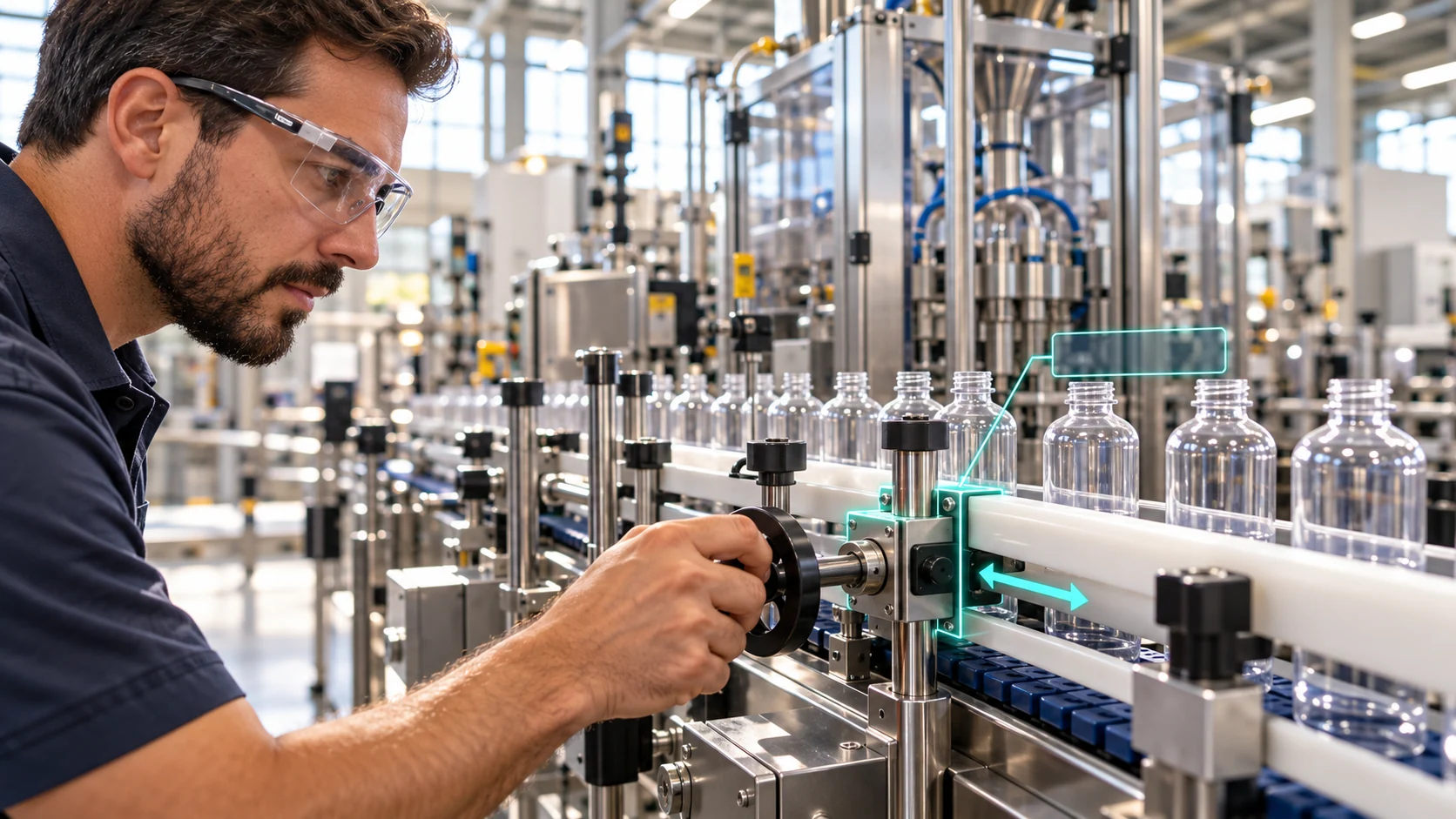
An illustrative AR view identifies the conveyor guide carriage and direction of movement.

02 / Perform with Field-IQ

Bring task guidance
to the equipment.

Identify the task context on a phone or suitable AR device. Follow the reviewed steps, raise a mismatch and capture the required physical checks. A qualified reviewer approves any lesson before reuse.

Explore the work loop

Illustrative Manufacturing applications. Device suitability, native product behaviour, equipment geometry and customer outcomes are established during a bounded acceptance process.

Acceptance before claims

What the next review
needs to establish.

  • Correct geometry, part identity and procedure revision.
  • Native Genesis authoring, moving parts, learner decision and actual attempt evidence.
  • Field-IQ asset context, guidance, assistance and live evidence capture on the chosen device.
  • A source-defined physical fit check and explicit treatment of missing evidence.
  • A human-approved, permitted and versioned lesson update.

Any unavailable native step must be shown as a labelled manual handoff or proposed workflow. An illustrative scene is not native product evidence.

Start with one valuable task

Bring the changeover.
Build the first loop.

One permitted equipment image. One approved procedure. A 20-minute demo clinic to decide what is useful and what needs proof.

Request a demo clinic

Now inspect the downloadable model.

The original SVG interaction above remains a useful starting reference. A separate real GLB viewer now exposes named nodes, an exploded layout and concept motion. Neither is a native EON simulation.

Open MFG-CV01 in 3D Try the decision practice
Manufacturing image

Illustrative Manufacturing scene